The game manual
Games used to come with a booklet
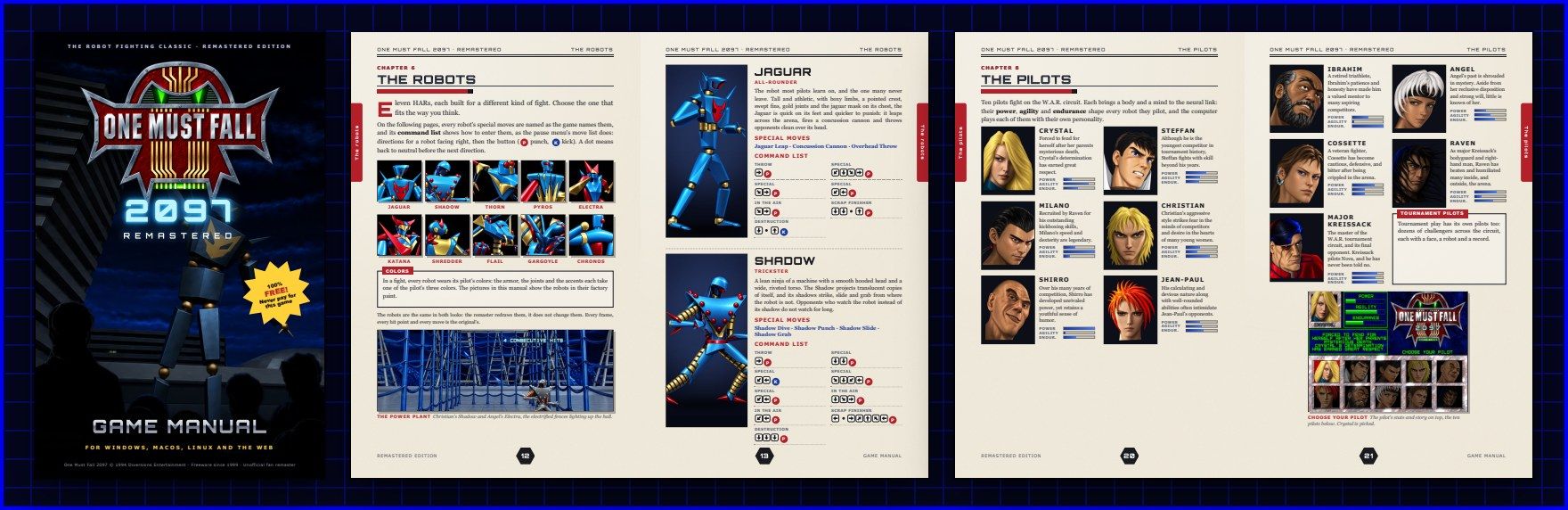
So this one does too. Thirty-two pages: the story, the controls, how to fight, every robot's moves and command list, the pilots, the arenas and tips from the pros, with a one-page quick start on page 2.
"There is no disk, of course. The whole game is a free download, and so is this manual."
What is inside
Contents
- Quick start 2
- Welcome to the year 2097 4
- Getting started 6
- The main menu 7
- Controls 8
- Fighting basics 10
- The robots 12
- New challengers 19
- The pilots 20
- The arenas 22
- Tournament play 23
- Arcade, survival and time attack 25
- The training lab 26
- Replays and the robot workshop 27
- The remastered look 28
- Tips from the pros 29
- Troubleshooting 30
- Credits 31
At a glance
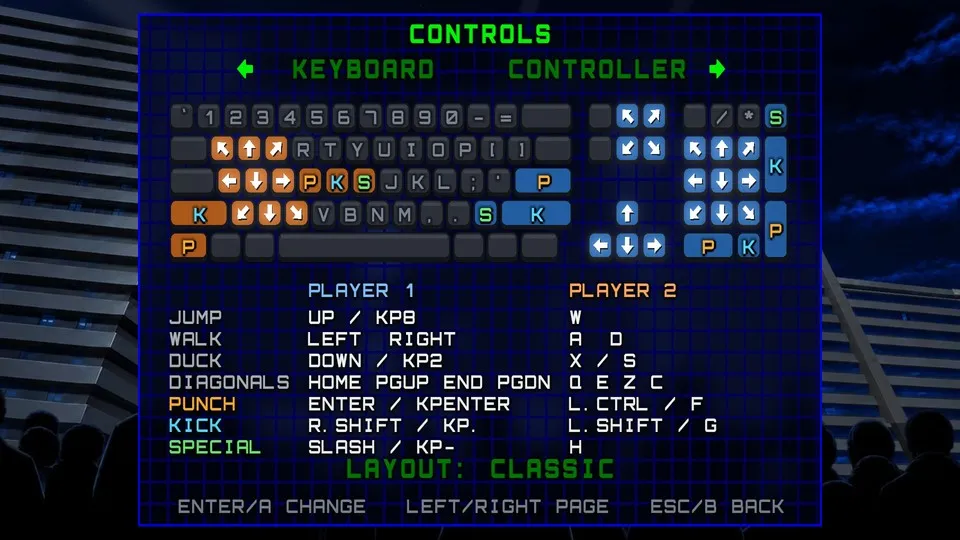
Controls
| Player 1 | Player 2 | |
|---|---|---|
| Move, jump, duck | Arrow keys (Home PgUp End PgDn for diagonals) or the numpad | Q W E, A D, Z X C |
| Punch | Enter | Left Ctrl or F |
| Kick | Right Shift | Left Shift or G |
| Special (one press) | / or numpad − | H |
| Scrap, destruction, Fire & Ice (once turned on) | , . ; | R T Y |
Esc pause F1 help F2 classic or remastered F3 next song F11 fullscreen Print Screen screenshot On a Mac, hold Fn for the F keys
Gamepads
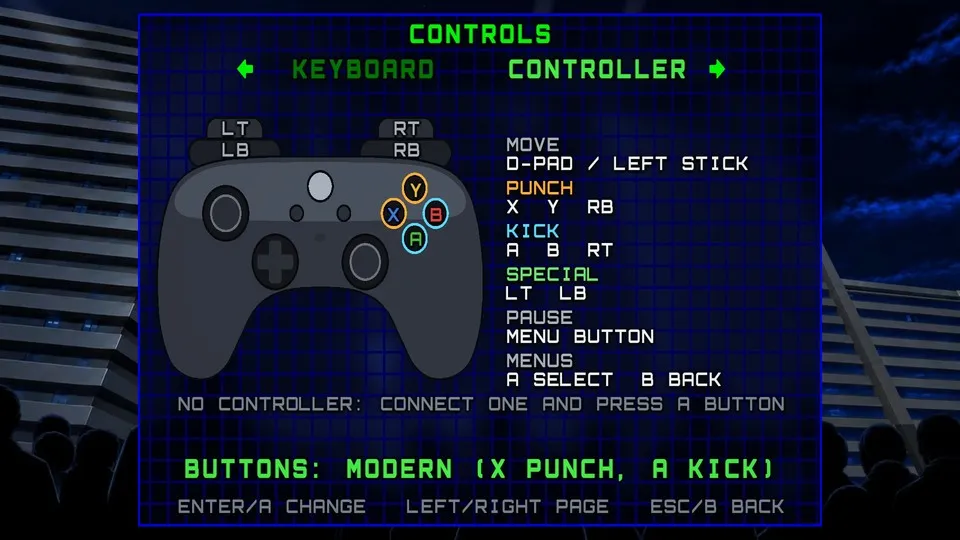
Xbox and other standard controllers work out of the box, even beside the keyboard: X, Y or RB punch, A, B or RT kick, LT or LB a special (or the classic layout: A punch, B kick). They rumble with hits, blocks, throws, wall slams and knockouts.
One-button specials
On from the start (Options › Controls › Special button): the special button alone, or with forward, back, down or up, fires one of the robot's specials, and its air special in a jump. The original motions work as always.
Training
F4 reset · F5 record the dummy · F6 play it back · F8 frame data · F9 hitboxes
Replays
Space pause · ←→ step · ↑↓ speed · IO mark a clip · V video · G GIF · K keep
Touch screens
On phones and tablets: a stick under your left thumb, and punch, kick, special and pause buttons.
Your own keys
A modern layout (WASD for player 1), and any key rebound in Options › Controls. Keys and buttons, also in the pause menu, shows them all.